Attribution Report
Umami Attribution helps track the effectiveness of marketing channels, measures campaign performance, and identifies which sources drive the most valuable traffic. By linking attribution data with traffic and engagement metrics, businesses can make informed decisions to enhance marketing ROI and drive sustainable growth.
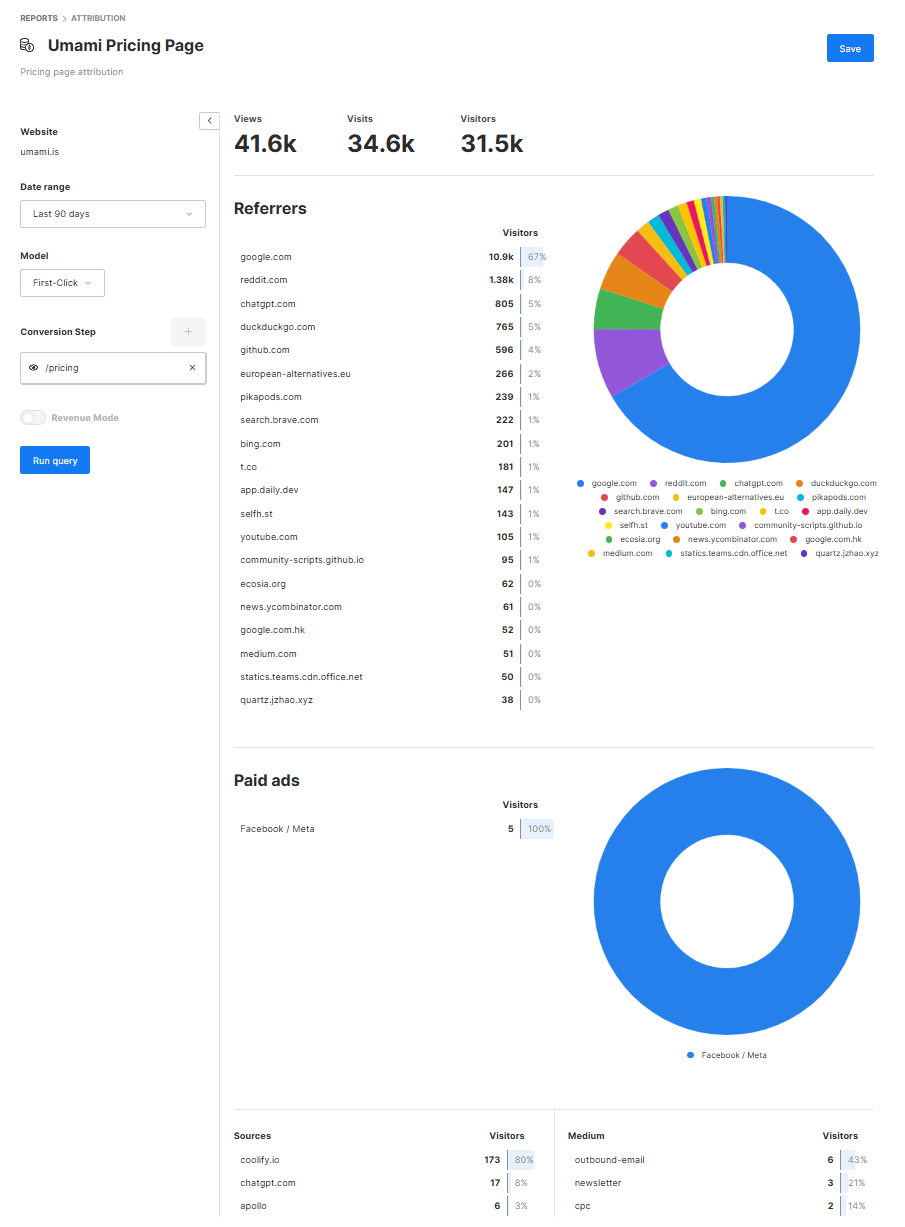
The report works by choosing a URL or event you want to track attribution for and displays referrer, paid ads, and UTM data through a specific attribution model.
Models
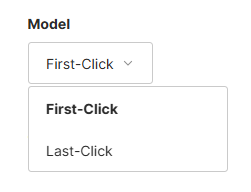
- First-Click: Credit for a conversion to the very first interaction a user had with your conversion event.
- Last-Click: Credit for a conversion to the final interaction before conversion event.
Parameters
Website: (required) The website you want to run the report on.Date range: (required) The date range of the report.Model: (required) The attribution model applied to the report.Conversion Step: (required) URL or event step to apply attributon to.Revenue Mode: (optional) Use revenue metrics instead of visitors (Only enabled if revenue data is configured here).Currency: (optional) The currency of the data to be aggregated.
Create a report
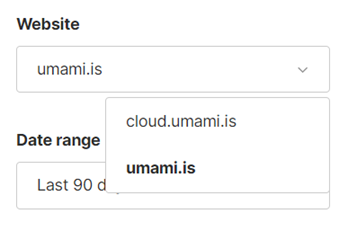
Step 1: Choose a website
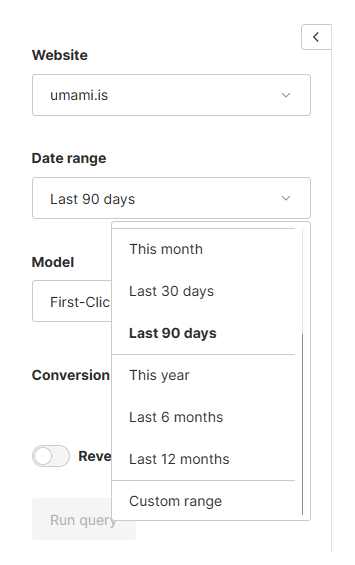
Step 2: Choose a date range
Step 3: Choose a model
Step 4: Choose your conversion step
Click the plus sign, choose the step type (URL or Event) and type in the first step condition on the funnel and click the Add button.
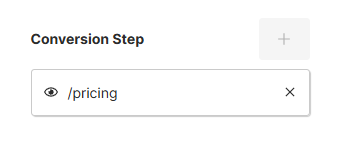
- Specific URL : The user must reach this specific URL. (example:
/pricing) - Event : The user must generate this specific event . (example:
checkout-cart)
Step 5: Run query and save
Click Run Query to see your results. In order to save your report, add a title and description and click Save. The report along with its parameters will be saved for future use.